|
Main Menu > Inventory Enquiry |


The General (F5) section of the Global Inventory Enquiry program has multiple tabs with each tab described below.
The General Information tab displays basic information relating to the selected product.
General Information Tab Screen
|



The Supplier Details tab displays a list of suppliers the selected product can be purchased from and the purchasing details for each supplier. 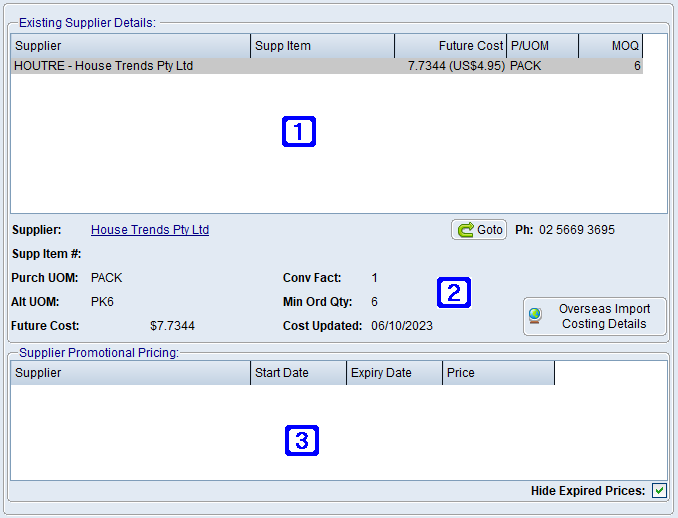 Supplier Details Tab Screen
|
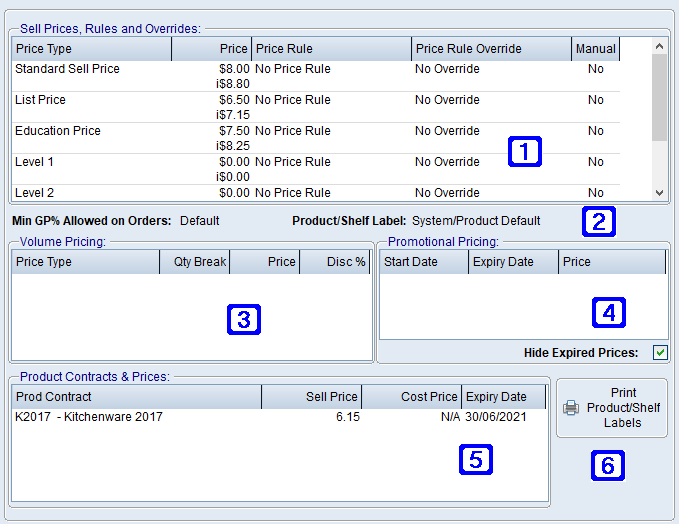
 Sell Prices, Rules and Overrides Tab
The Sell Prices, Rules and Overrides tab displays sell pricing information for the selected product.
|
The Product Details tab displays the product details for the selected product. 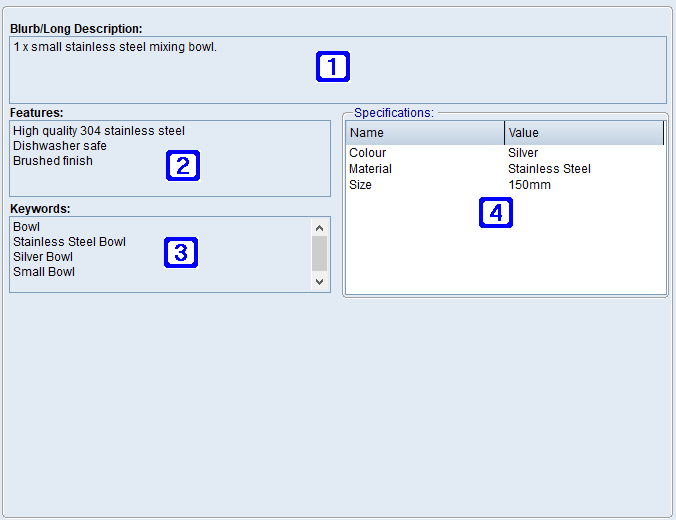 Product Details Tab Screen
|
The Images and Resources tab displays the image and resource details for the selected product. 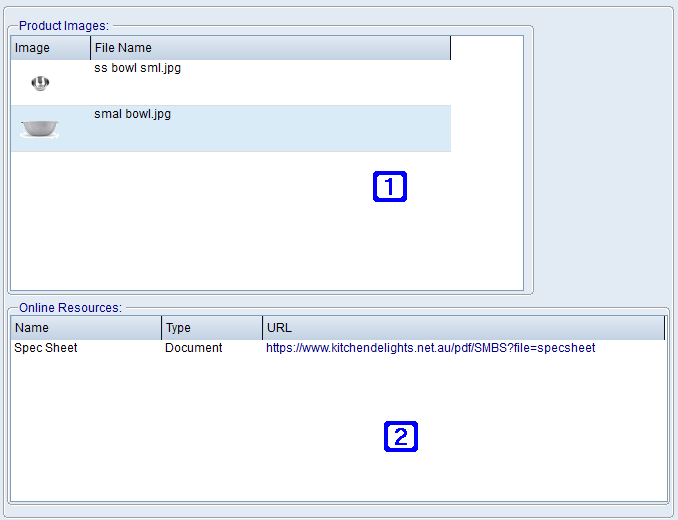 Images and Resources Tab
|
The eCommerce Integrations tab displays the eCommerce Integration settings where applicable. 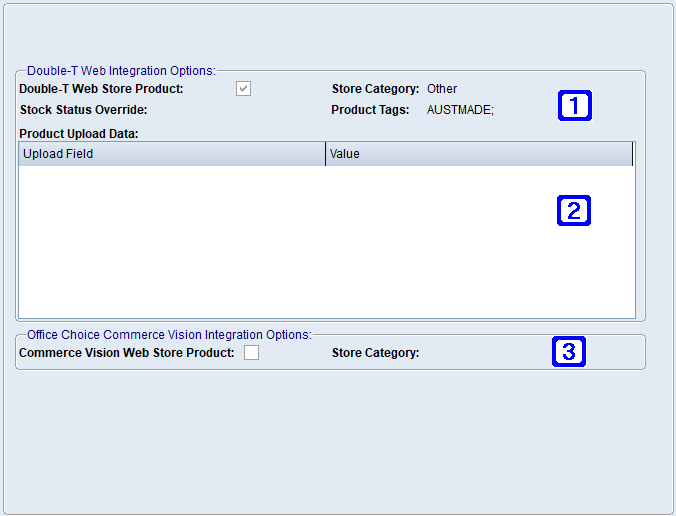 eCommerce Integrations Screen
|
The eStore Settings tab displays information relating to the eStore settings for the selected product. eStore Settings Tab Screen - Page 1
eStore Settings Tab Screen - Page 2
|
The Related Products tab displays a list of products that are related to the selected product. 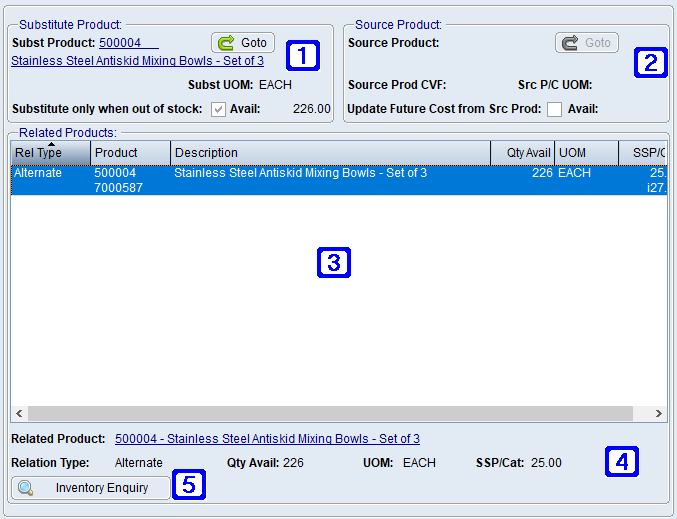 Related Products Tab Screen
|